STEP 1
Lead & customer
Every call, form and referral lands in one record with the address and history.

Custom field service CRM + employee time tracking
The owner manages leads, quotes, schedules, invoices and job costs in the CRM. Employees open the same connected app on their phones to see assigned jobs and track their time.
Owner’s CRM view
Run the pipeline, schedule work and see labor against each job.
Crew’s mobile view
Open the assigned job, clock in and keep field details current.
One customer record. One job. One connected system.
Who this is built for
In most of these businesses the same small team does everything: wins the work, schedules it, completes it, invoices it and follows up afterward. There is no dispatcher, no office manager and no one whose job is keeping the software tidy. The system has to fit into a day that is already full.
Quote before scheduling
Work is priced and accepted before it reaches the calendar, so the quote is where the record starts.
A helper or crew completes the job
Someone other than the owner is often on site, which means the field needs its own simple screen.
Payment and review follow completion
Invoicing and the review request belong to the end of the job, not to a separate weekly catch-up.
The connected workflow
Every call, form and referral lands in one record with the address and history.
Build the quote, send it branded, and keep the follow-up on a list instead of in your head.
Put accepted work on the calendar and give the crew the day in the order it makes sense.
The assigned crew opens the job, tracks time, adds notes and photos as the work happens.
Invoice from the same job record and see what is still outstanding.
Ask for the review after payment, then keep the customer for the next season.
What we customize
Workflows, screens, permissions, automations, reports and integrations are all configurable or can be added. Not every option below is switched on in the sample — each one is a decision we make together during discovery, then build in the order that helps you first.
Pipeline stages named the way you name them, with the forms and approvals your quotes actually need.
The crew's screen kept short: today's jobs, what to do, time against the job, notes and photos.
The touchpoints the customer sees, in your branding, at the point in the job where they belong.
The numbers you price the next job from, plus the outside tools worth wiring in.
Keep what fits. Change what doesn’t. Add what is missing.
Time tracking
Each employee gets their own login and sees only what they need: the jobs assigned to them. They clock in against a specific job, and the hours land where the work is instead of on a separate timesheet the office has to reconcile.
Optional permissions, clock-out reminders, shift notes and location-aware clock events are possibilities we scope during discovery — we confirm what fits your team before anything is built.
Employee logs in
Individual account, limited to their own assignments.
Opens the assigned job
The same job record the office is looking at.
Clocks in and out
A running timer on the job, not a guess written down later.
Hours roll into job cost
Labor lands against that job's numbers.
Owner reviews
Approve hours, then use them for costing and payouts.
Trades we shape it for
The same core workflow can be shaped around different services. These are examples, not limits.

Quote from the ladder, schedule tight routes, and keep referral work moving.

Higher-ticket, documentation-heavy jobs that live or die on follow-up.
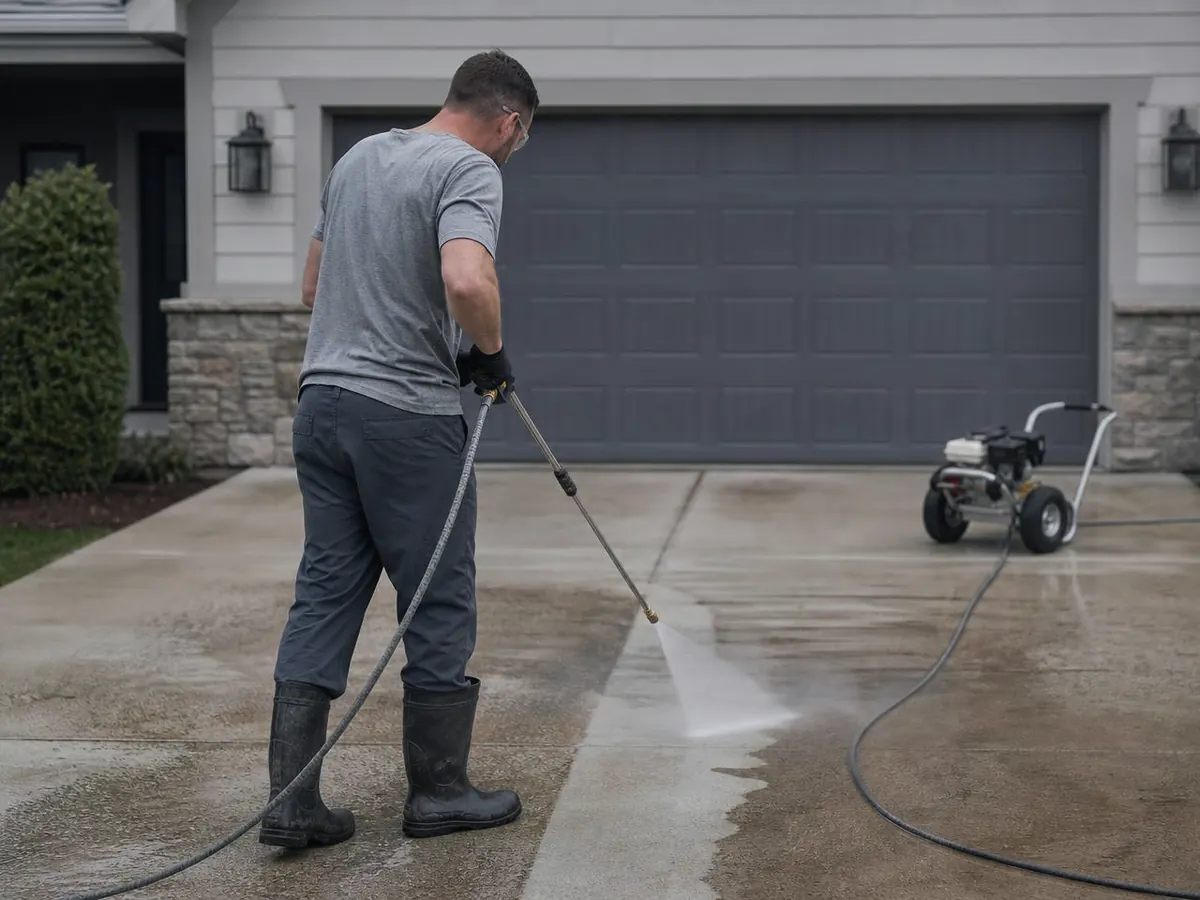
Repeat and seasonal work with quick quotes and easy rebooking.
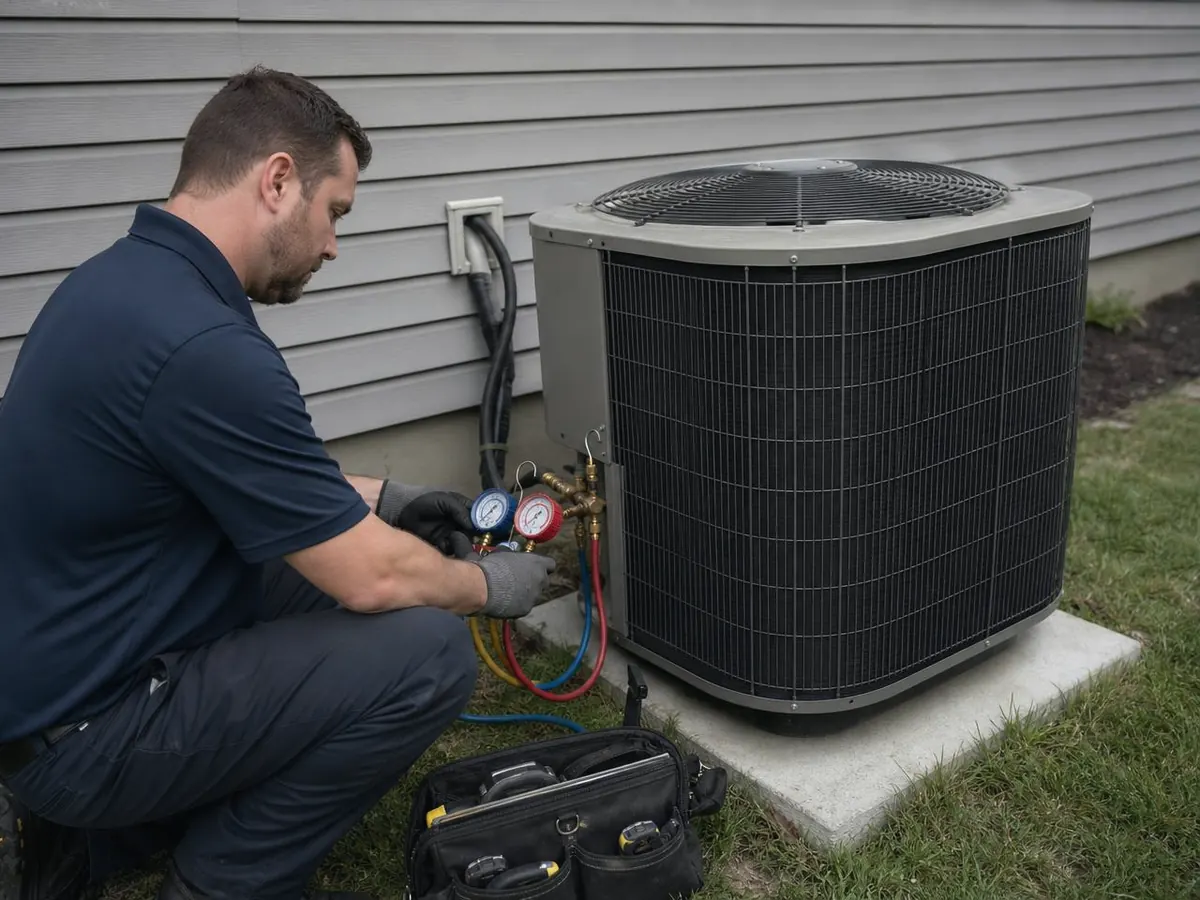
Service calls, installs and maintenance visits on one customer history.
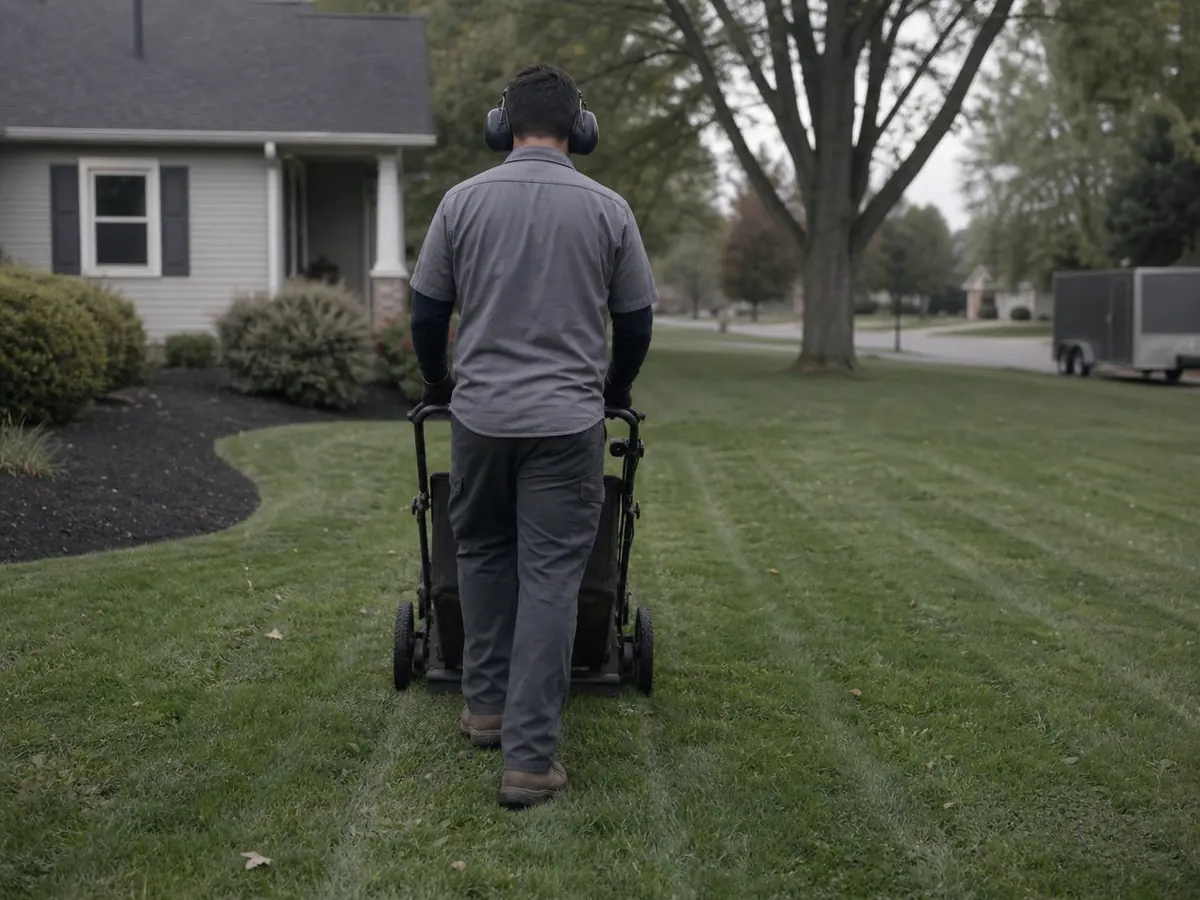
Recurring routes, seasonal urgency and material costs per property.

Visual quotes and longer decisions that need patient follow-up.
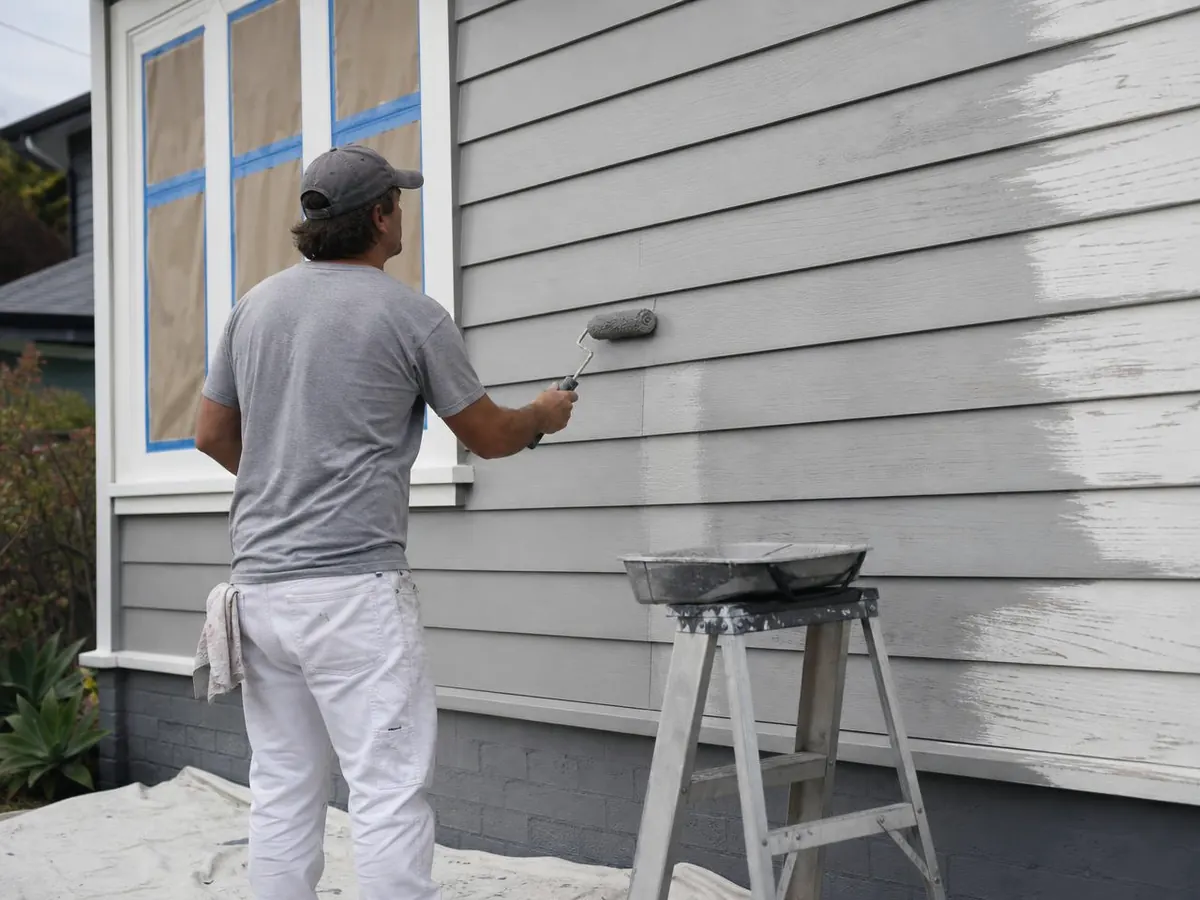
Clear job stages, crew hours and payouts on every project.

Deposits, materials and a clean path from quote to final invoice.
If your work follows lead → quote → schedule → job → payment → review, we can shape the system around it.
What changes day to day
Sent quotes sit in one list with the next follow-up attached, so none of them go quiet unnoticed.
Close out the job and send the invoice from the same record while you are still in the driveway.
Labor hours and material costs sit on the job, so you can look at real numbers before pricing the next one.
Trigger the review request when the customer pays, instead of remembering days later.
The screens are built for a phone first, so the day's work does not wait for an office computer.
Off-the-shelf or custom
Off-the-shelf
Custom build
Custom is valuable when the workflow itself is part of how your business operates.
Common questions
Still unsure whether a custom build is right for your business? Walk through it with us, or open the Blue Raccoon sample and click around first.
It is the system a service business runs on: customer and lead records, quotes, scheduling, the jobs themselves, invoices and follow-up. A field service CRM differs from a plain sales CRM because the work happens at an address, on a date, with a crew — so jobs, hours and costs live beside the customer record.
Yes. The stages, forms, job types, pricing structure and screens are built around how your business already sells and schedules. Blue Raccoon Gutters is a sample; the underlying workflow can be reshaped for roofing, HVAC, washing, landscaping and other trades.
Employee time tracking can be built in: each employee signs in on their phone, opens an assigned job and clocks in and out against it. Approved hours can then roll into that job's labor cost so the owner can see hours where the work is, not on a separate timesheet.
Those are the core of the workflow we design: build a quote, follow up on it, schedule the accepted work, record what happened on the job, then invoice from the same record. Which pieces are built first is decided during discovery.
Integrations of that kind are common and are scoped case by case, based on the tools you already use and what each provider allows. We confirm what is possible before the build rather than assuming it.
No. Much of this work is for owner-led businesses — an owner quoting from the truck with a helper or a small crew. A custom build starts with the few screens that carry the daily work and grows as the operation does.
We’ll map the process, identify the missing pieces, and design the right screens before the full build.
Built around your workflow · Owned by your business · Supported personally
Blue Raccoon Gutters is a fictional sample company created by Finesse Web Solutions to demonstrate a build. Every customer, job and record in it is invented.