

Custom Software — a separate service

Software shaped around your business, not the other way around.

Three sample applications arrive one at a time as you scroll, each on its own device. Every business, name, and record in them is fictional and nothing you type is saved — they are demonstrations of how we build, not live products. Custom software is quoted on its own, not as a step above the three website options.

Built around your workflowOwned by your businessSupported personally
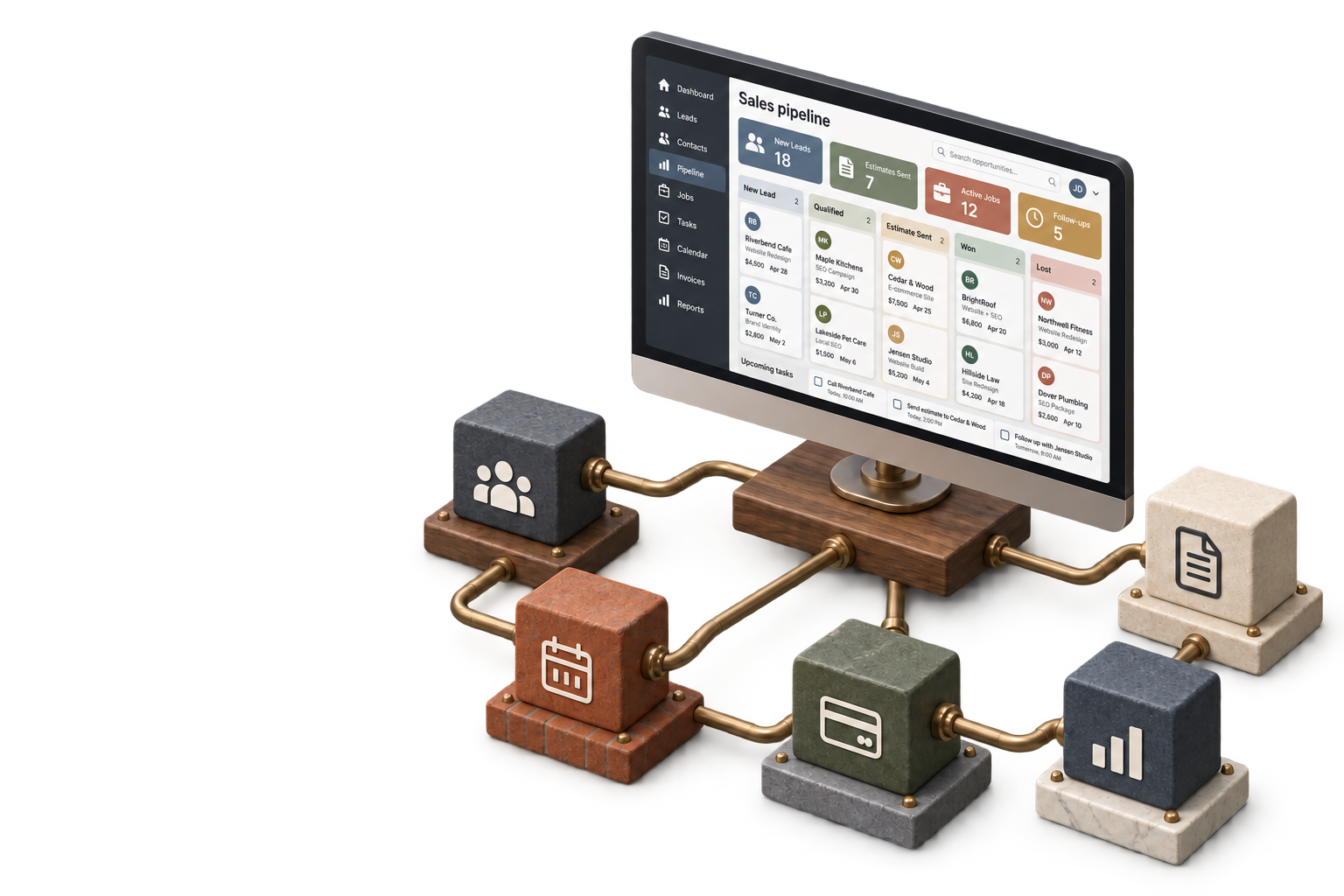
A fully raised custom software dashboard hovering above walnut, limestone, marble, slate, and brick workbases joined by bronze conduits.

Less software to manage. One system that fits.

Designed for useful work, not feature lists.

ReplaceScattered spreadsheets
ConnectJobs and customer records
SimplifyQuoting and scheduling
SeeWhat needs attention

Three tools · one connected way of working

Follow the work from the office to the field.

One connected system carries dependable information between the people who sell the work, manage it, and finish it — without adding another layer of busywork.

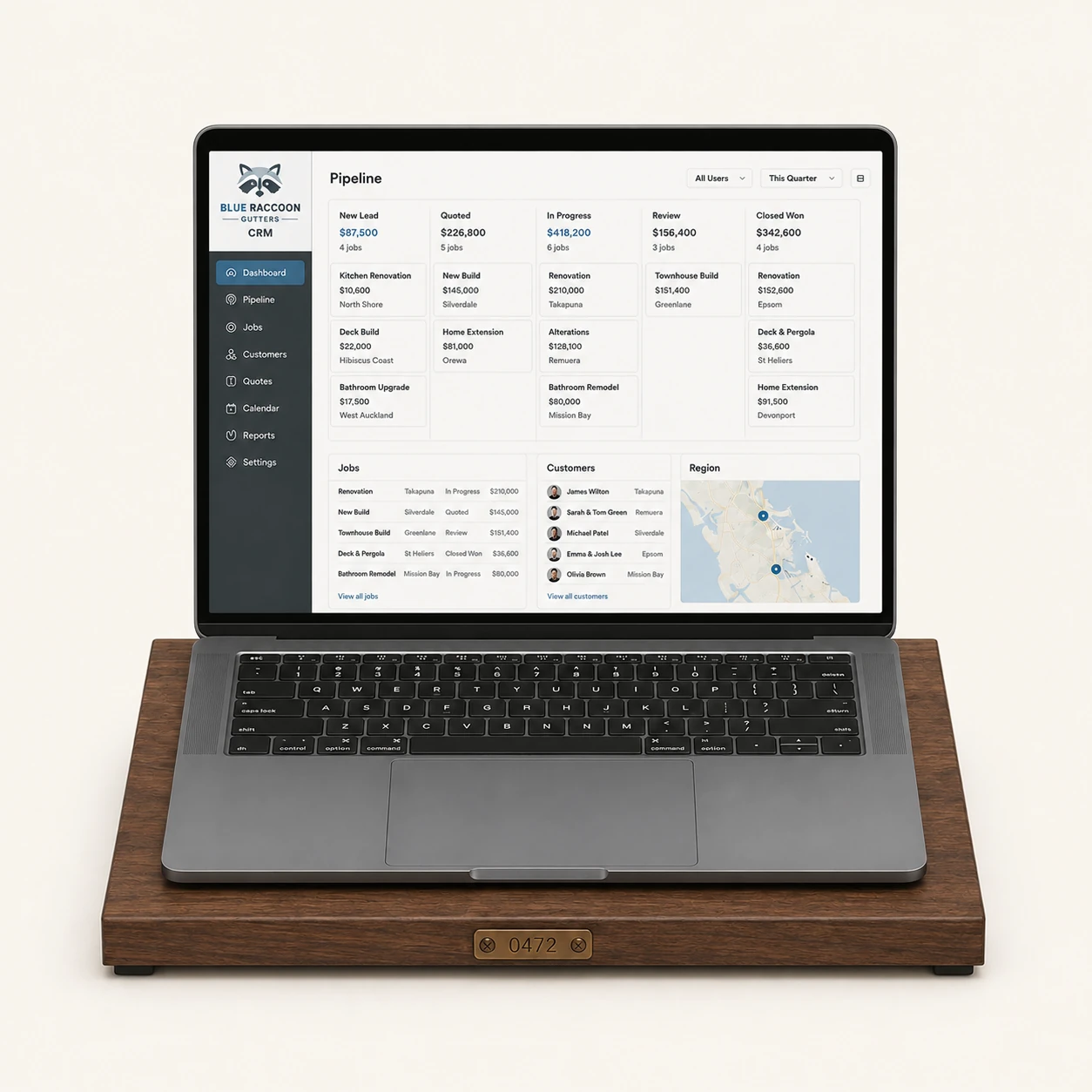
Blue Raccoon Gutters CRM displayed on a front-facing laptop seated on its fitted walnut workbase and connected by bronze conduit.
Sample 01 · Office

Blue Raccoon Gutters

CRM

One practical place for every lead, quote, customer conversation, and next step. Built around how a small shop actually sells.

  • Pipeline stages without drag-heavy busywork
  • Contact history in one dependable thread
  • Tasks tied to real jobs and opportunities
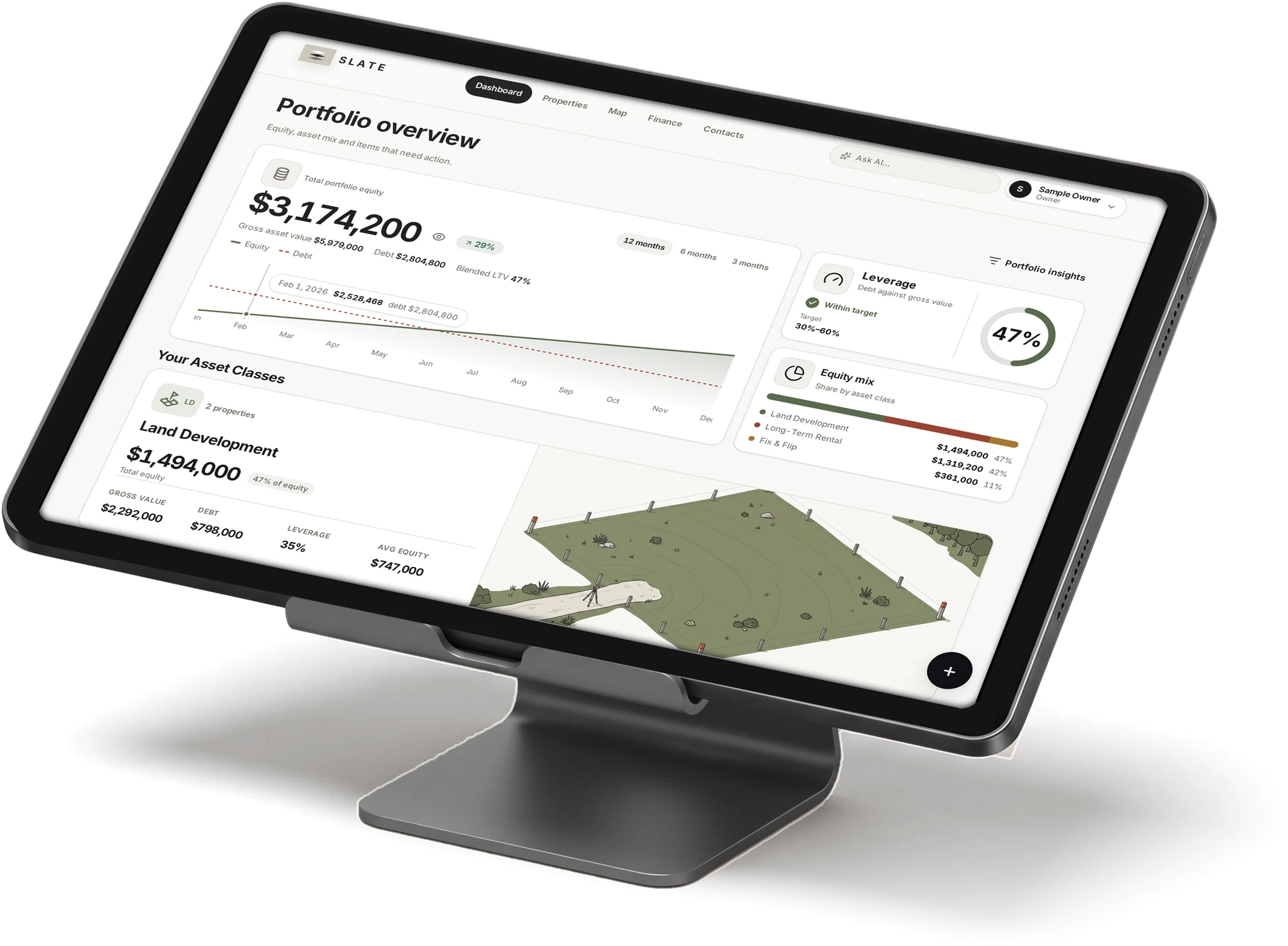
Slate Portfolio on a landscape tablet resting above a flat slate and limestone base connected by bronze conduit.
Sample 02 · Management

Slate Portfolio

Properties, projects, and budgets

Rental operations, project budgets, leases, and land records arranged around what an owner needs to see — not a generic dashboard template.

  • Properties and leases in a usable overview
  • Project stages with budgets and draws
  • Records that stay connected to each asset
Fieldwork Ops on an upright phone above a compact brick and slate field base connected by bronze conduit.
Sample 03 · Field

Fieldwork Ops

Dispatch, job steps, and crew visibility

The day’s jobs, route, work steps, and completion details in a field-ready view that makes sense from the truck.

  • Daily dispatch without the wall of software
  • Job information available where work happens
  • Completed steps flow back to the office
Static preview for now

How the build becomes useful

Start with the work — not the software.

Discovery produces a practical operating plan before screens are designed or code is written.

01

Map the current process

We follow how information moves today, including the workarounds that keep the business running.

02

Remove unnecessary steps

The goal is not to digitize every habit. It is to simplify the work before building the system.

03

Prototype the critical workflow

You use the central path early, so decisions are based on something concrete.

04

Build, connect, and support it

The finished system is tested with your team and supported after launch.

Custom Software · quoted separately

Business tools built around the way you already work.

For operations that have outgrown spreadsheets, disconnected apps, and software designed for somebody else’s business.

Scope
Defined after discovery
Ownership
Built for your business
Build
Reach out for a custom quote
Timeline
8 – 16 weeks

Tell us what slows the work down

Start with one real process.

You do not need a technical specification. Explain what your team handles, where information gets lost, and what a better day would look like.

What does the work look like today, and what should the tool do? Include the people who would use it and any software you already rely on.

Or call 717-551-0218